SnapEX Pay blog
-
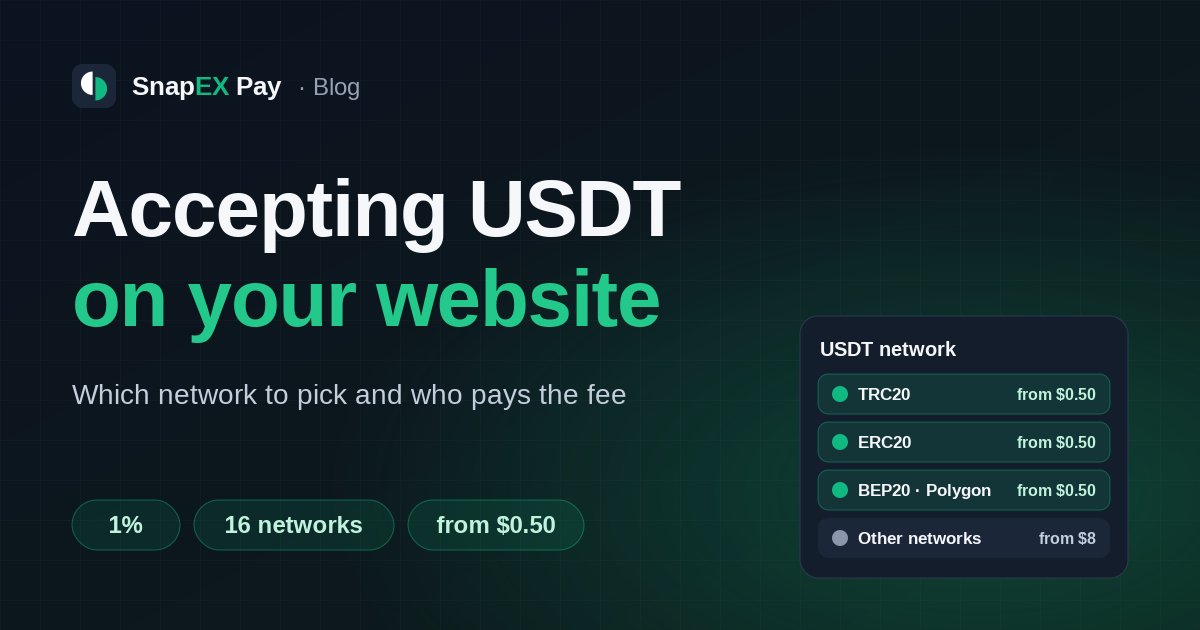 Accepting USDT on your website: which network to use, who pays the network fee, and what the minimums are
USDT is one coin, but it lives on many networks, and a customer can send it on any of them. Which networks to suggest to customers first, who pays the network fee, how small an invoice can be, and what to do when less arrives than you asked for.
Read
-
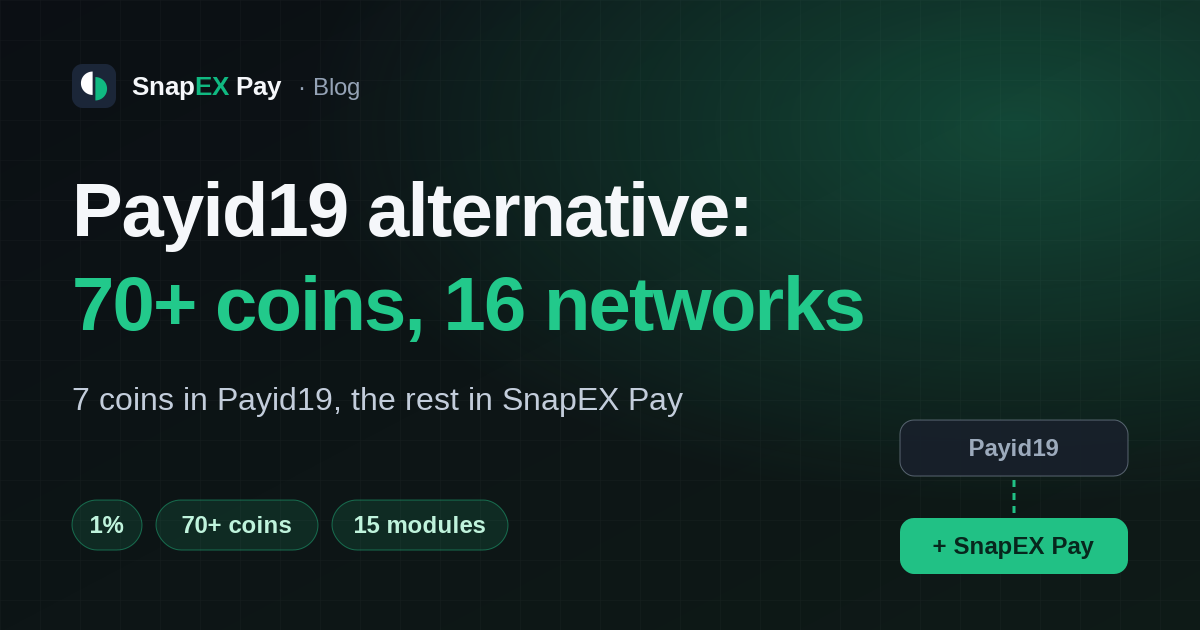 Payid19 alternative: add SnapEX Pay next to it and accept 70+ coins
Payid19 accepts seven coins — USDT, USDC, BTC, ETH, BNB, TRX and LTC — for 1% and offers modules for WooCommerce, OpenCart and WHMCS. Here is how to add SnapEX Pay in five steps: 70+ coins, USDT on 16 networks and modules for hosting, stores and VPN.
Read
-
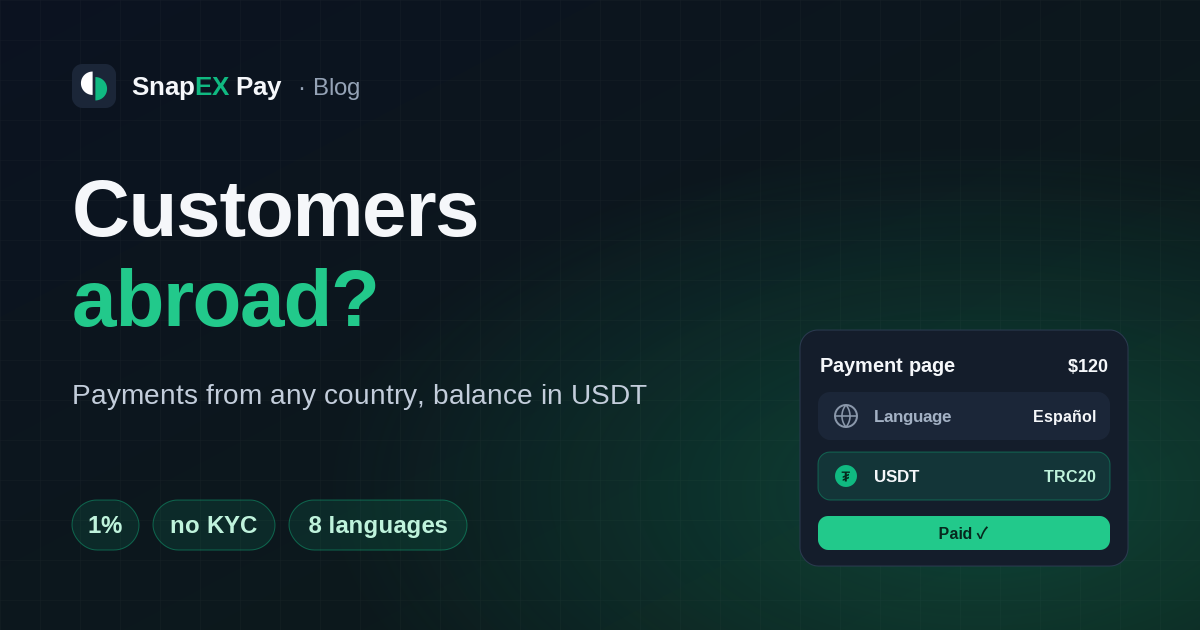 Customers abroad: how to accept payment from any country and get the money in USDT
Your customer lives in another country and their card doesn't work with your checkout — or the other way round. Crypto doesn't care where a card was issued. Here is the payment path through the customer's eyes: the link, a page in their language, the coin and network, the status — and how the money reaches you in USDT.
Read
-
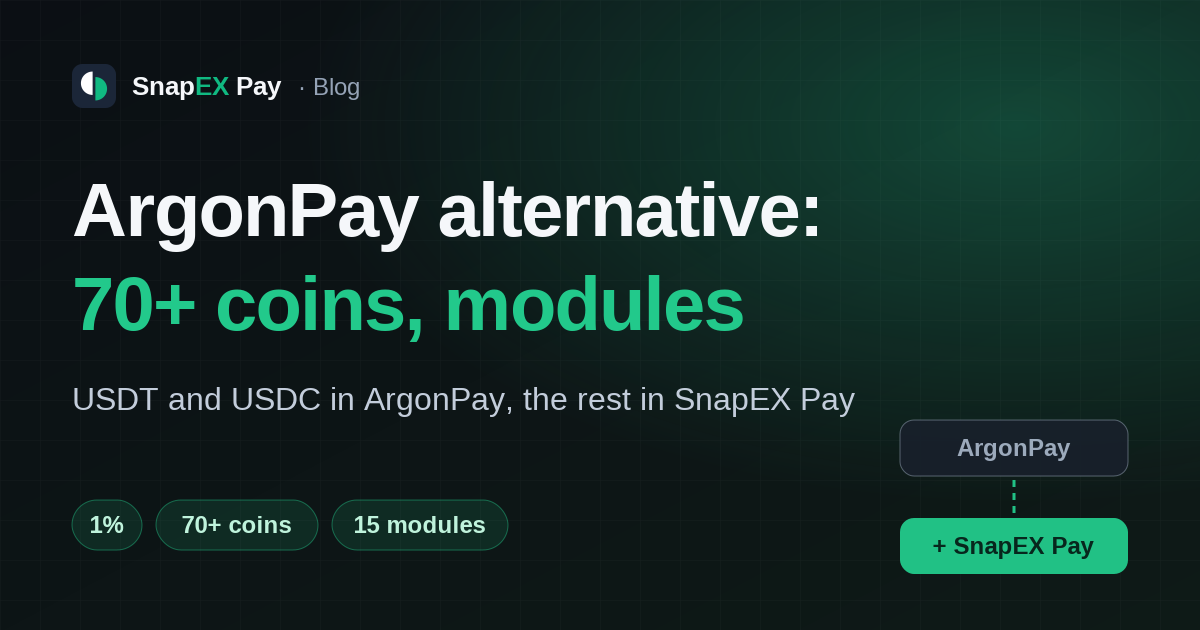 ArgonPay alternative: add SnapEX Pay next to it and accept 70+ coins
ArgonPay accepts USDT and USDC on BNB Smart Chain, Polygon and Base, plus SOL on Solana — through an API, priced per transaction. Here is how to add SnapEX Pay in five steps: 70+ coins, USDT on 16 networks including TRON, and ready modules.
Read
-
 AI Pay alternative for crypto payments: add SnapEX Pay next to AI Pay
AI Pay takes SBP, cards and crypto, but connects you after an application, a document check and a contract, and its crypto rate is set individually. Here is how to add SnapEX Pay in five steps: no documents, 1% per payment, 70+ coins.
Read
-
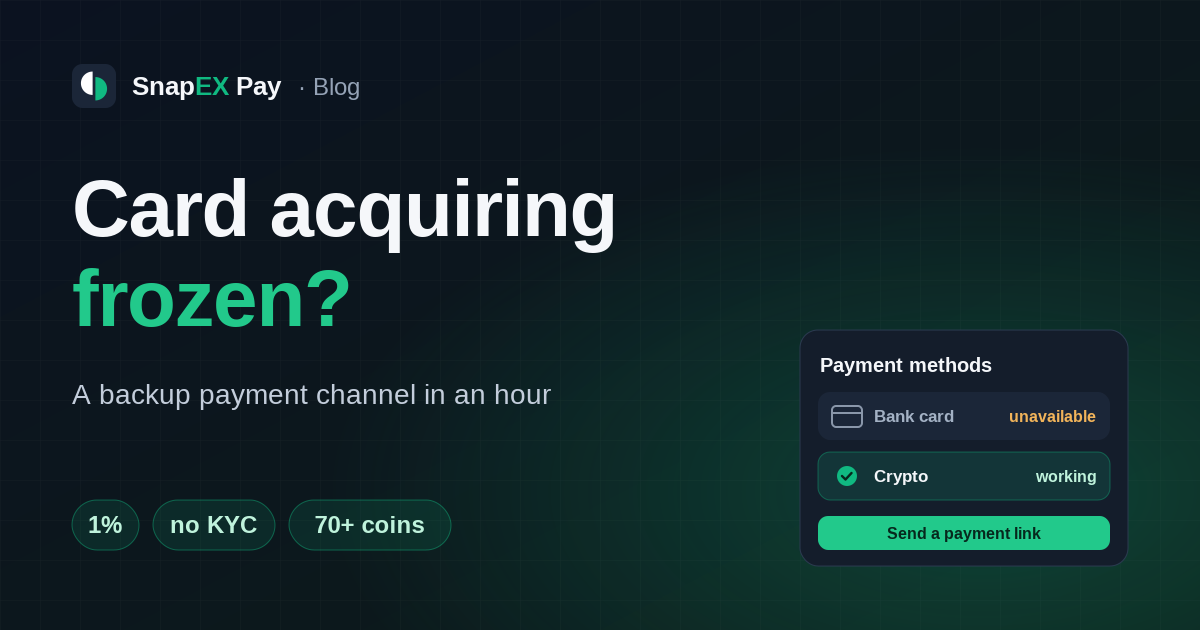 Card acquiring frozen or switched off: how to set up a backup payment channel in an hour and keep your orders
Card payments stopped going through, but orders keep coming. While you sort things out with your bank or payment provider, you can give buyers a second way to pay: crypto. A one-hour plan: an account, a payment link or a plugin, a test invoice, a note to buyers — and what to do with orders that got stuck.
Read
-
 Bitbanker alternative for crypto acquiring: add SnapEX Pay next to it
Bitbanker's crypto acquiring charges nothing on USDT, but an invoice starts at $50 or 2,000 rubles, takes six or seven coins, and comes only as an API or a widget. Here is how to add SnapEX Pay in five steps: from $0.50, 70+ coins and ready modules.
Read
-
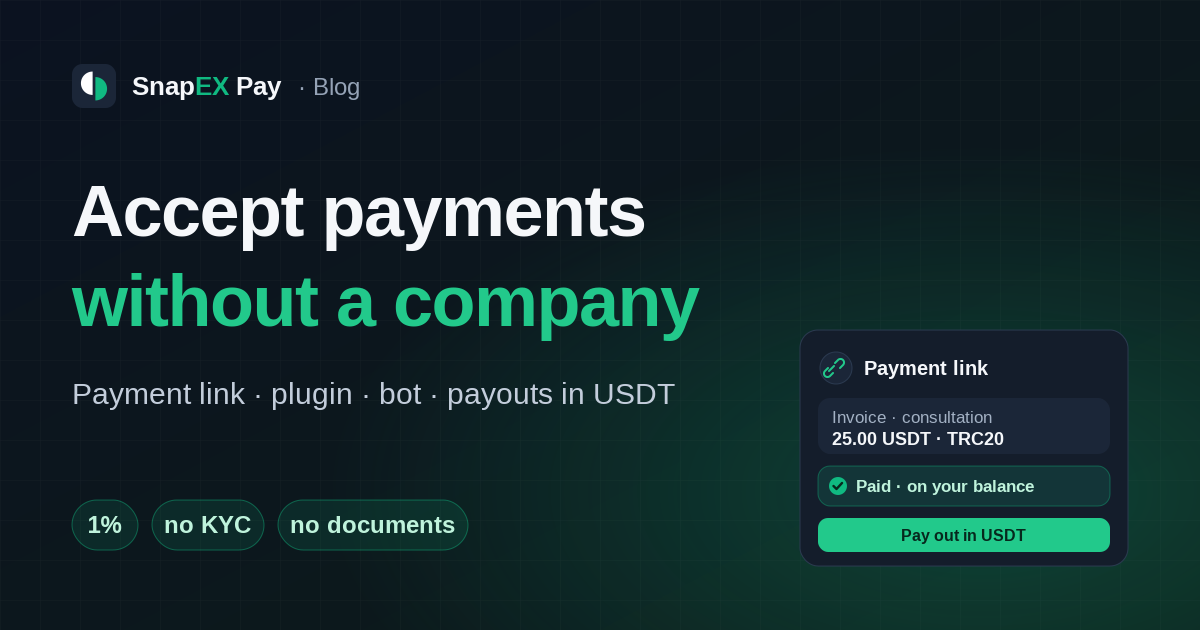 Accepting online payments without a registered business: a payment link, a plugin or a bot, and payouts in USDT
You sell digital goods, services or access in a bot, but there's no registered business and no card acquiring? How to start accepting crypto in an evening: sign-up with no documents, a payment link from the dashboard, a plugin or a bot, and payouts in USDT with no hold.
Read
-
 Paymo alternative for crypto payments: add SnapEX Pay next to Paymo
Paymo takes cards and SBP, but only signs up companies and sole proprietors — with bank paperwork and a site review. Here is how to add SnapEX Pay for crypto in five steps: no documents, 1% per payment, 70+ coins.
Read
-
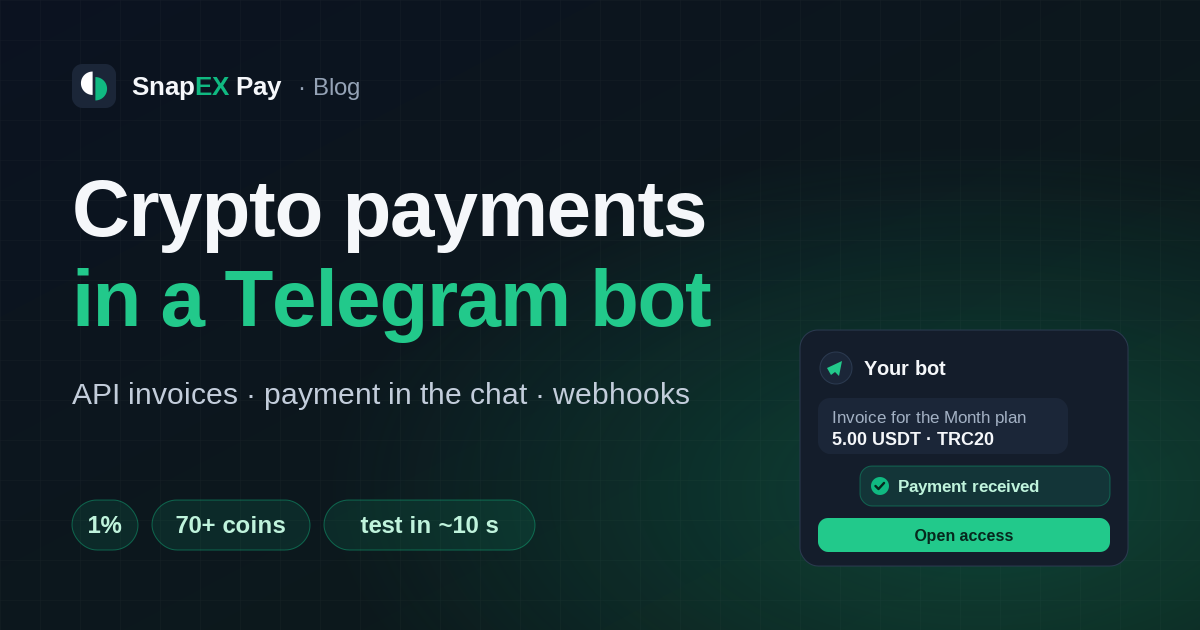 Accepting crypto payments in a Telegram bot: invoices from the bot, payment in the chat, webhooks
The buyer taps "Buy" in your bot, pays in USDT or another coin, and the bot hands over the goods as soon as the paid webhook arrives. How to create an invoice from the bot, show the payment as a link or right in the chat, handle short payments and test it all with a test invoice.
Read
-
 CoinPayments alternative: add SnapEX Pay next to CoinPayments
On the new CoinPayments platform, invoices, the API and plugins unlock only after a SumSub ID check, and there are two ready plugins. Here is how to add SnapEX Pay — no KYC, 15 modules — in five steps.
Read
-
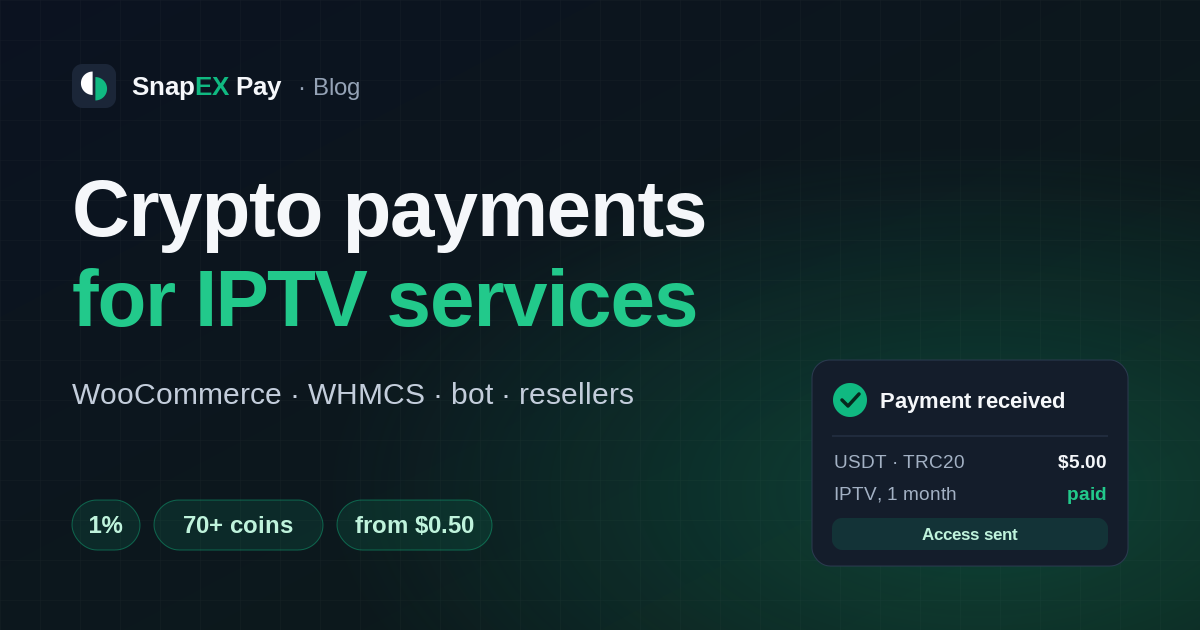 Crypto payments for IPTV services: USDT with no KYC on your site, in your bot and for resellers
The customer pays for an IPTV subscription in USDT or another coin, the order is marked paid by itself, and you get USDT with no holds. Which option fits a WooCommerce or WHMCS site, a Telegram bot and resellers, and how to go live in five steps.
Read
-
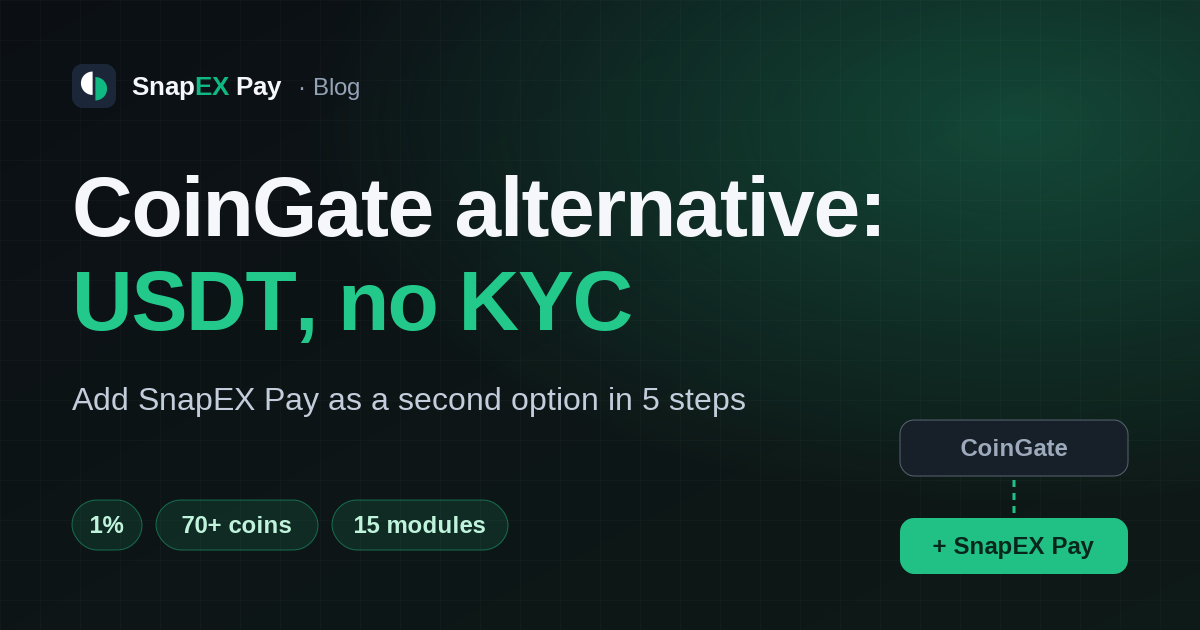 CoinGate alternative: add SnapEX Pay next to CoinGate
CoinGate doesn't accept USDT, onboards merchants from 60 countries and asks shoppers for their name and date of birth. Here is how to add SnapEX Pay — USDT, no KYC, no country list — in five steps.
Read
-
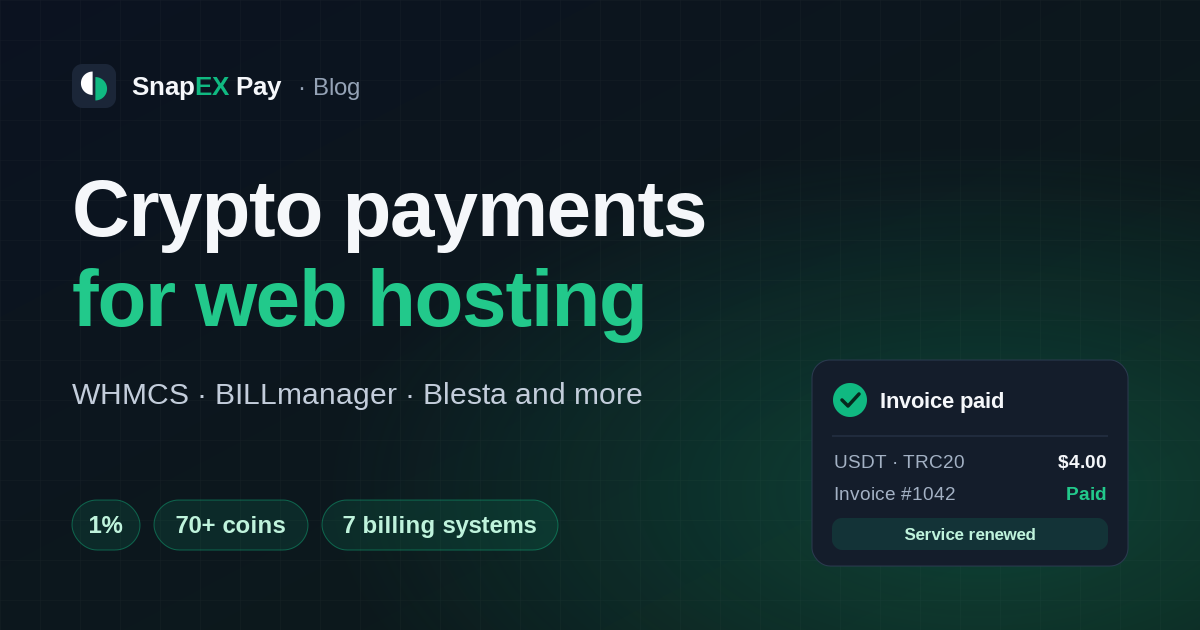 Crypto payments for web hosting: WHMCS, BILLmanager, Blesta, WISECP, FOSSBilling, Paymenter and RootPanel
The customer pays a VPS or hosting invoice in USDT or another coin, and your billing system marks it paid by itself. Which module fits WHMCS, BILLmanager, Blesta, WISECP, FOSSBilling, Paymenter or RootPanel, and how to launch it in five steps.
Read
-
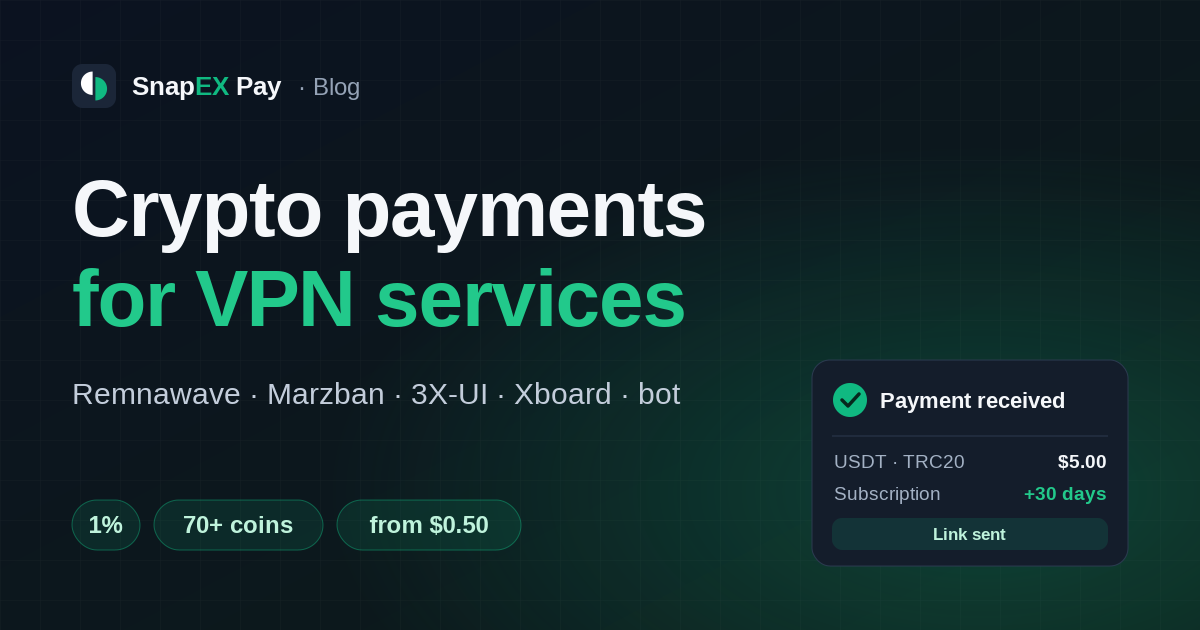 Crypto payments for VPN services: Remnawave, Marzban, 3X‑UI, Xboard and a Telegram bot
The customer pays in USDT or another coin, and the panel creates the user or renews the subscription by itself. Which module fits Remnawave, Marzban, 3X‑UI, Xboard or a Telegram bot, and how to launch it in five steps.
Read
-
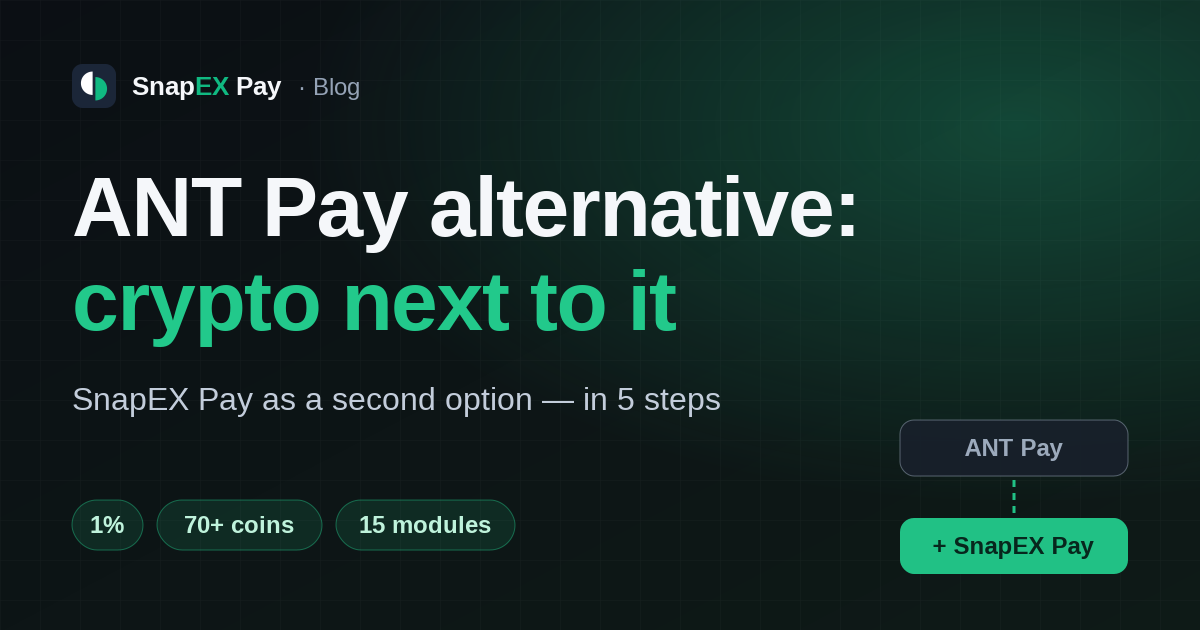 ANT Pay alternative for crypto: add SnapEX Pay as a second option
ANT Pay connects you through an application and a manager, and its rates are not on the site. Here is how to add SnapEX Pay for crypto in five steps: sign up yourself, 1% per payment, 70+ coins.
Read
-
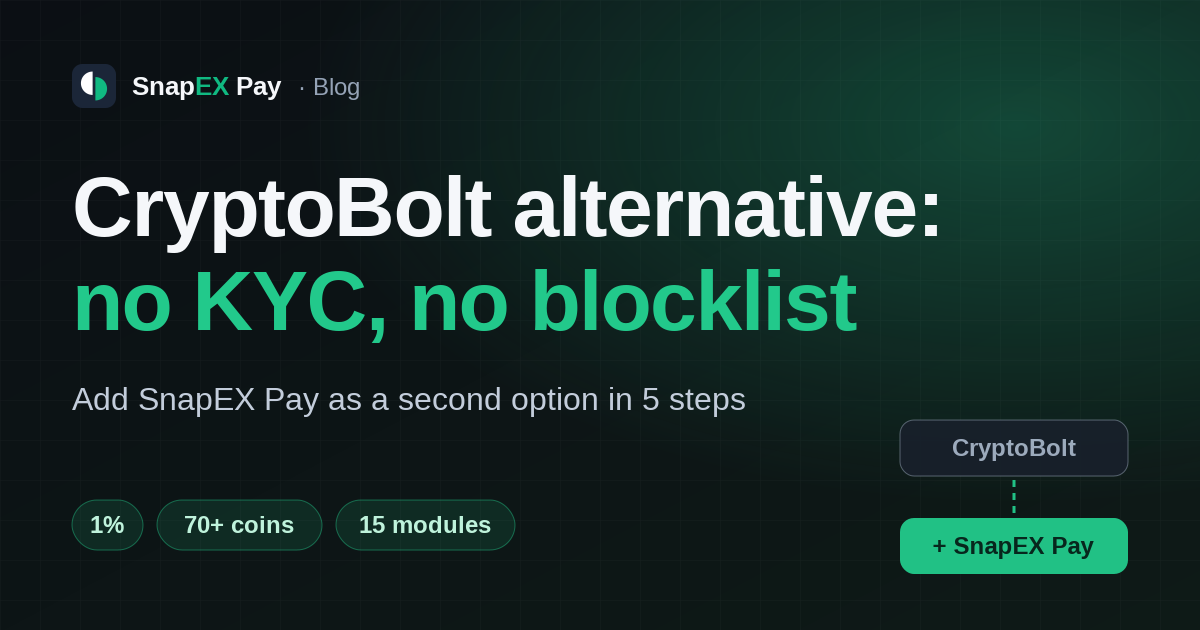 CryptoBolt alternative: add SnapEX Pay next to CryptoBolt
CryptoBolt closes accounts tied to the EU, UK, US, Canada and 70+ countries in total. Here is how to add SnapEX Pay — no KYC, no country list — as a second option in five steps.
Read
-
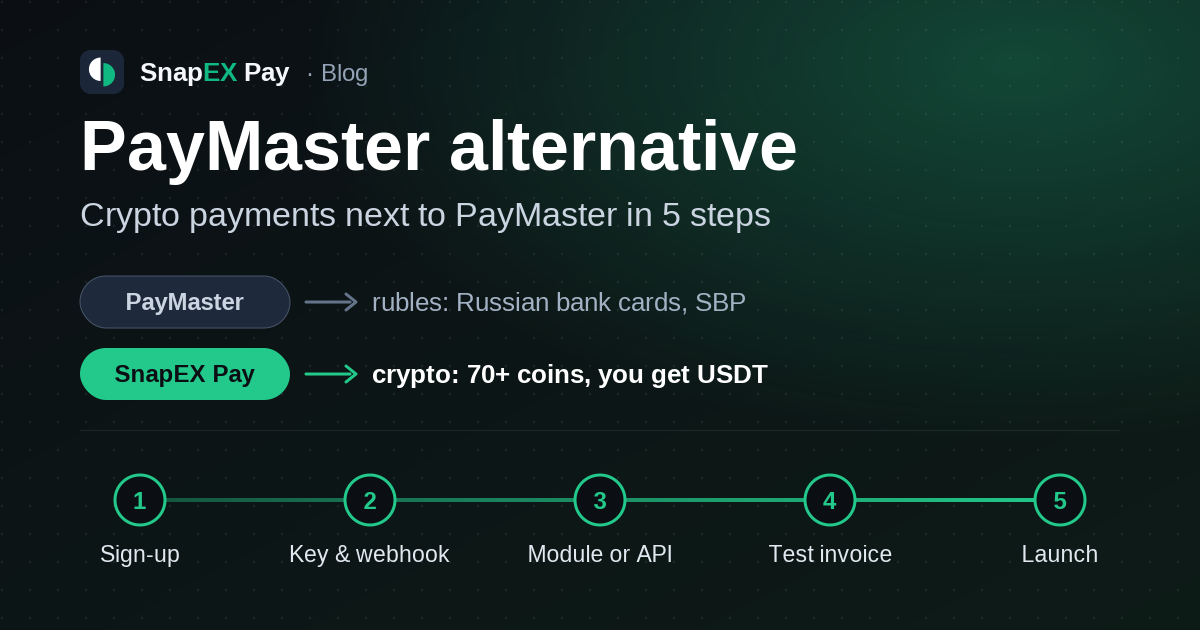 How to Add SnapEX Pay Crypto Payments Next to PayMaster: a 5-Step Guide
Keep PayMaster for rubles and accept crypto through SnapEX Pay. Five steps from sign-up to the first payment, plus a pre-launch checklist.
Read