This article is for a shop or an online service with some of its customers living in another country. The usual story: you work from Russia or the CIS, your customer is in Europe, Asia or Latin America, and their card payment doesn't go through. It also happens the other way round: you are abroad, your customers are back home, and their cards don't fit your payment method.
Crypto helps here because a transfer doesn't depend on which country issued the card or where the bank account is. The customer needs a wallet or an exchange account; you need an address to receive. SnapEX Pay is a crypto payment gateway with no country restrictions and no KYC or KYB, for you or for your customers. Rules on accepting crypto, currency control and taxes differ from country to country — check with a lawyer what applies to your business and your customers.
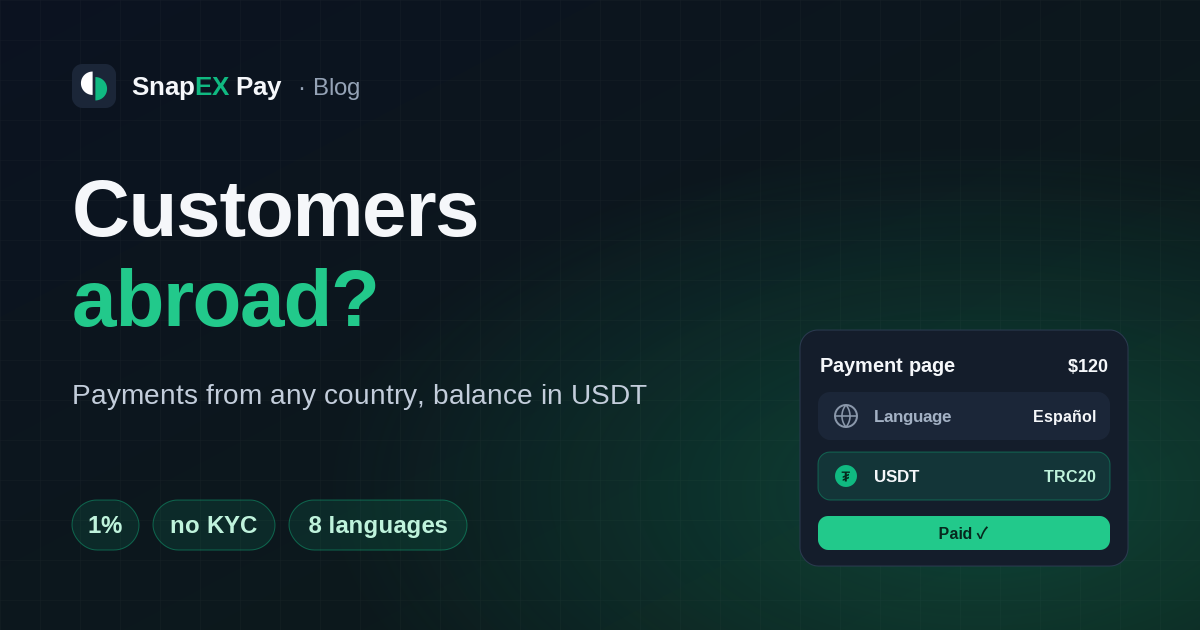
- 8payment page languages — it opens in the language of the customer's browser
- 70+coins for the customer to choose from: USDT on several networks, BTC, ETH, LTC, TRX and more
- USDTon your balance whatever coin was paid, 1% fee, withdrawals without holds
The payment path through the customer's eyes
A customer abroad doesn't need to know anything about SnapEX Pay. They get a link, open the payment page and do what it says.
What the customer sees
Step 1. Language: the page speaks to the customer
The payment page opens in the language of the customer's browser. There are eight today: English, Russian, Spanish, Portuguese, Turkish, Arabic, Farsi and Chinese. In Arabic and Farsi the page switches to right-to-left. If the browser uses another language, the page opens in English, and a switcher at the top lets the customer change it in one click.
If you know the customer's language in advance, append ?lang= and the language code to the invoice link: es for Spanish, pt for Portuguese, tr for Turkish, zh for Chinese and so on. The page opens in that language straight away. If the customer leaves an email on the page, the “Paid” email reaches them in the same language.
Step 2. Coin and network: what the customer should pick
The invoice amount is set in US dollars, and the customer pays in whatever coin they have. Help them choose:
- Easiest
The customer has USDT
USDT on TRC20, ERC20 and BEP20 comes first on the page and works for invoices from $0.50. What matters is picking the same network they will send on.
Fits most people: almost every exchange has USDT.
- Any coin
The customer holds BTC, ETH or something else
The page lists 70+ coins with a search by name. LTC, ETH and TRX work from $0.50; other coins appear in invoices from $8.
No need to swap the coin on an exchange first.
- From an exchange
The customer pays from an exchange account
The exchange may deduct its withdrawal fee from the transfer. The page warns about this: send enough so that the full amount arrives.
Fewer underpayments and less back-and-forth.
- Underpaid
Less than the invoice amount arrived
The page shows how much arrived and how much is left. The rest can be topped up to the same address within 72 hours.
If they don't top up, the part received still goes to your balance.
Then the customer sees the address, a QR code and the exact amount. A wallet can scan the QR and fill in both address and amount; for exchange apps there is an address-only QR. After the transfer, the page finds it on the network by itself and shows the stages: transfer found, network confirmations, processing, “Paid”. No need to click anything or reload the page.
Step 3. How the money reaches you
Two sides of one payment
- Opens the linkthe page is in their language
- Picks a coinand the network they'll send on
- Sends the transferfrom a wallet or an exchange
- Sees “Paid”and an email, if they left one
- Create an invoicein the dashboard, a plugin or via API
- Get notifiedin Telegram or by webhook
- See USDTon your merchant balance, minus 1%
- Withdrawto your own address, no holds
Whatever coin the customer pays in, USDT lands on your merchant balance. You don't need a dozen wallets or to watch the rates of different coins. The fee is 1% per payment with no monthly charge; each invoice sets who pays it: you (deducted from the amount) or the customer (added on top). You can withdraw your balance from the dashboard right away, with no holds or reserves: in USDT or another coin to your crypto address, confirmed with your password. There is no service fee for withdrawals, only the network fee.
Step 4. How to bill customers abroad
- No code
A payment link from the dashboard
“Invoices” → “New invoice”, amount in USD, order number in the external ID. Send the link to the customer by messenger or email.
Fits when you have a few foreign customers and talk to each of them.
- Store
A plugin at your checkout
15 free plugins: WooCommerce, WHMCS, CS-Cart and more. Crypto shows up among the payment methods, and the order is marked paid by itself.
Fits when customers from different countries order on their own.
- API
Your own site, bot or app
One request creates an invoice with a payment link; a webhook tells you it's paid. You can add the customer's language to the link.
Fits when your interface already knows the customer's language.
- No invoice
A permanent address
An address that never changes: put it on your site or in your profile. Any transfer from $0.50 is credited to your USDT balance by itself.
Fits donations and top-ups where it doesn't matter who exactly paid.
Two tips specifically for customers abroad. First, invoice lifetime: 30 minutes by default, and you can set up to 24 hours. If the customer still has to buy a coin on an exchange, give them time. Second, who pays the fee: if your price is a round number agreed in advance, it's easier to keep the fee on your side so the customer sees exactly the amount you agreed on.
The plugins are listed on the SnapEX Pay home page. Before going live, check the whole path on a test invoice: in “Invoices”, switch the mode to Test, create an invoice and open the link with the right ?lang= — you'll see the page the way your customer will. A test payment confirms itself, no money needed.
What to tell the customer
Two or three sentences in their language or in English are enough — no need to explain how the payment works inside. For example:
Sample message
You can pay this order in crypto — USDT or another coin. Open the link, choose the coin and network you have, and send the exact amount shown. The page will confirm the payment by itself.
If the customer pays from an exchange, add one line: send enough so that the invoice amount arrives after the exchange fee.
Checklist
You're ready to take payments from other countries if
- The rules for merchants are read and your product isn't on the prohibited list.
- A test invoice is paid in Test mode and the page is checked in the customer's language.
- The invoice lifetime suits customers who need time to buy a coin.
- The fee: you've decided who pays it — you or the customer.
- Customers have a short message with the payment link.
- Payment notifications are on in Telegram or by webhook.
- A lawyer has confirmed that taking crypto from customers in those countries is fine for your business.
Summary
A customer abroad doesn't need your banking system — a crypto wallet or an exchange account is enough. They pay on a page in their own language and in their own coin, and you get USDT on your balance and withdraw it when it suits you. If you don't have a registered business yet, see “Accepting payments without a registered business”; if your card acquiring stopped, see “Card acquiring frozen? A backup payment channel in an hour”.